GoWind IM is an enterprise-grade instant messaging and collaboration management platform: with instant messaging as the foundation, it integrates audio/video conferencing, OA office automation, project management, collaborative documents, customer business operations (CRM / ERP), R&D collaboration, and AI assistants into a single workspace. Enterprises no longer need to switch back and forth between "a chat tool + a meeting app + OA + a project tool + a CRM" — one platform covers daily communication, internal collaboration, and business operations.
GoWind IM is closed-source commercial software delivered on-premise: the system is deployed on the company's own servers, and chat records, documents, and customer data all remain inside the corporate intranet, meeting data sovereignty and compliance requirements.
Who this page is for
- Enterprise end users: understand what the platform brings to daily communication and office work;
- IT decision makers: evaluate feature coverage, security controls, and on-premise delivery capability;
- Pre-sales / implementation consultants: quickly grasp the full product picture, edition differences, and commercial terms.
This page is organized around the official Product Feature Specification v1.0; for operation-level instructions on each feature, see the Feature Manual.
- One-on-one chats and 10,000-member groups: one-to-one conversations and groups of up to 10,000 members, with real-time message delivery and multi-device sync;
- Channels and chat rooms: channels provide broadcast-style reach to the whole company, while chat rooms suit lightweight scenarios such as live-event interaction and temporary collaboration;
- Secret chat mode: messages can be set to auto-recall when the timer expires, screenshots taken by the other party trigger an immediate alert, and a hidden watermark is overlaid for traceability — meeting the needs of confidential communication;
- Topic threads: group discussions can be aggregated into topics, so important conclusions are no longer drowned out by chat noise;
- Scheduled messages: messages can be scheduled for delivery at a specified future time;
- Full-text search: search historical messages across conversations; finding a file or a decision takes one search;
- Real-time location sharing: start live location sharing for field work and off-site scenarios;
- Sticker store: a built-in sticker store makes team expression richer;
- Multi-device roaming: chat history roams and syncs automatically across phones, desktops, and other devices.
- 1-on-1 calls: start point-to-point audio/video calls with one click from the chat window;
- Multi-party meetings: host controls supported — mute members, remove members, lock the meeting, and more;
- Screen sharing: share your screen when presenting documents or reviewing proposals;
- Cloud recording and meeting playback: meetings are recorded to the cloud as MP4, so absent colleagues can catch up anytime;
- Group live streaming with live comments: go live inside a group with real-time comment interaction — ideal for town halls and training;
- Speech to text: voice messages and calls are automatically transcribed, making meeting notes much easier.
- AI customer service auto-replies: AI answers frequently asked questions first, reducing pressure on human agents;
- AI conversation summaries: turn long chat histories into a summary with one click and quickly grasp conclusions and to-dos;
- AI tickets: issues spotted in conversations can be turned into tickets handled with AI assistance;
- Conversation-level auto translation: real-time translation for cross-language communication — global teams collaborate without barriers;
- Enterprise knowledge base RAG: connect your own company documents, and AI answers questions based on enterprise knowledge;
- AI stand-up minutes: daily stand-up minutes are generated automatically;
- Per-tenant token quotas: administrators can set AI usage quotas for different tenants, keeping costs under control.
- OA approvals: six common approval categories built in, paired with a visual process designer so business staff can adjust workflows themselves;
- Attendance check-in: GPS + WiFi dual-location verification with shift scheduling support;
- Work reports: daily and weekly reports submitted and aggregated online;
- Company announcements: important notices reach everyone precisely;
- OKR goal management: visual goal alignment trees, cycle scoring, and automatically generated AI cycle summaries;
- HR onboarding and account provisioning: new employees get their accounts set up in one step;
- Base multi-dimensional tables: business staff can build their own data ledgers and organize business data flexibly;
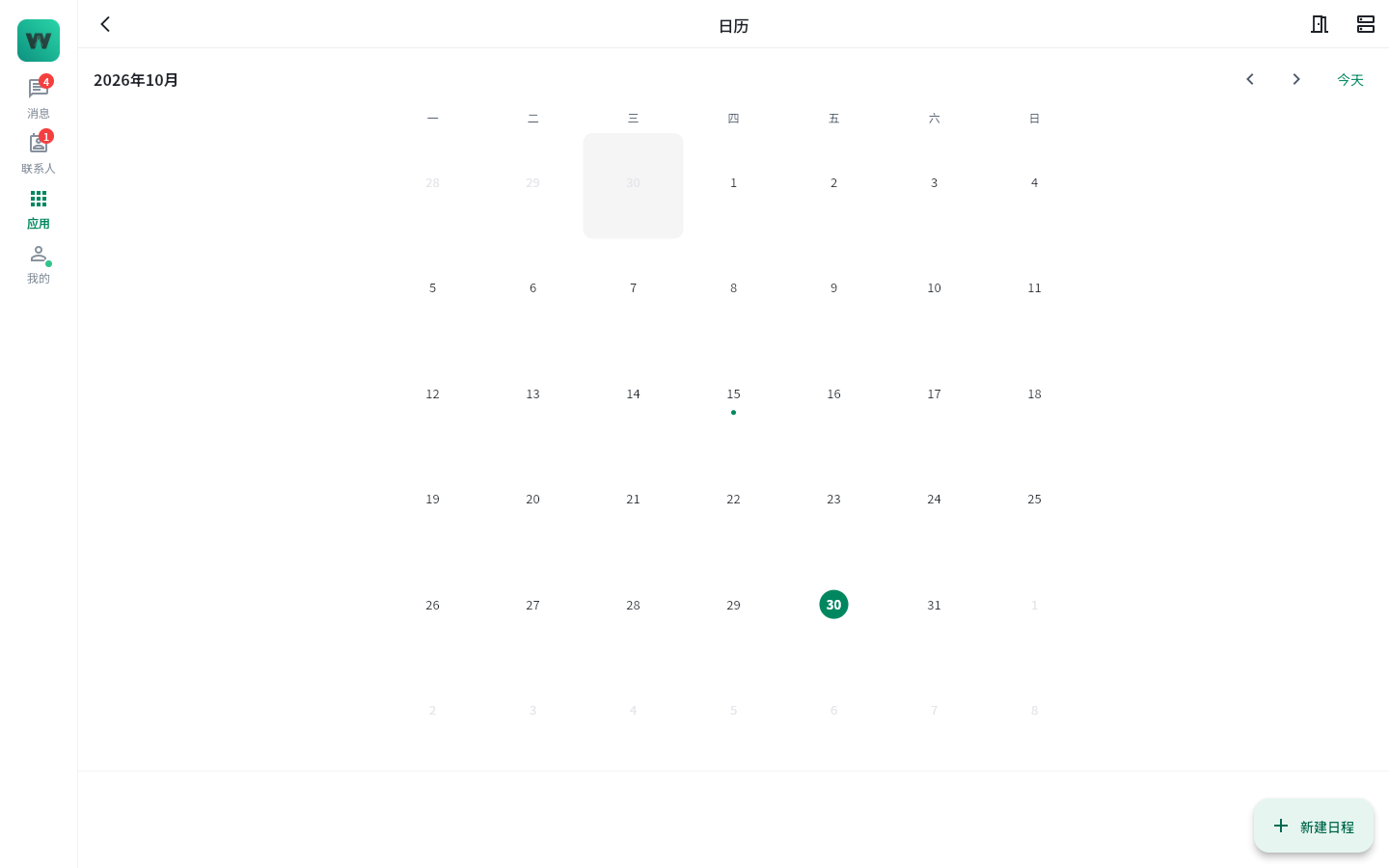
- Calendar and meeting room booking: schedules, meetings, and meeting room resources arranged in one place.
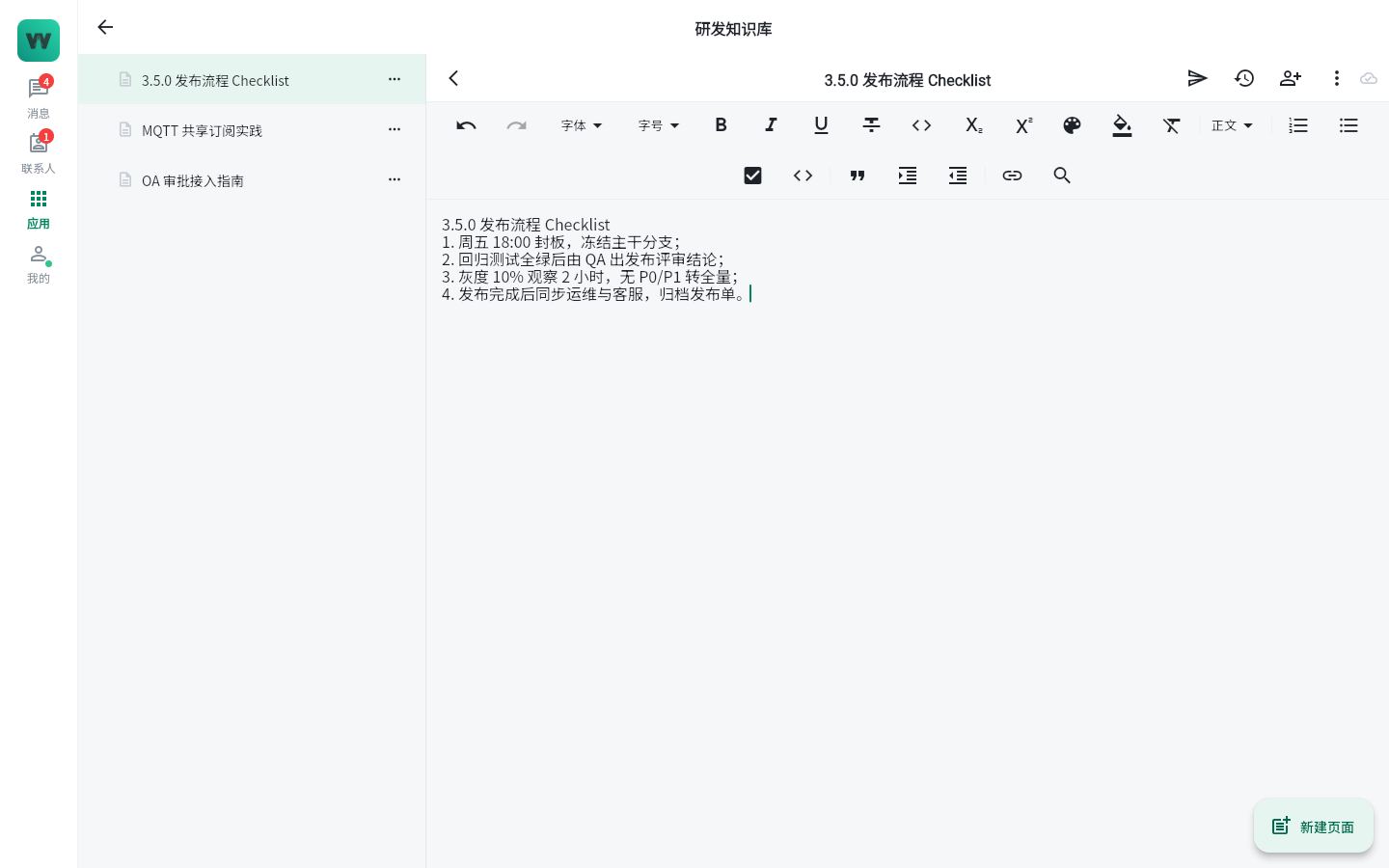
- Real-time collaborative editing: multiple people edit a document at the same time, with changes visible instantly;
- Knowledge spaces: organize knowledge by team and project, continuously accumulating company assets;
- Canvas frame playback: whiteboard canvases support frame-by-frame playback of the creation process, making review and retrospective clear at a glance.
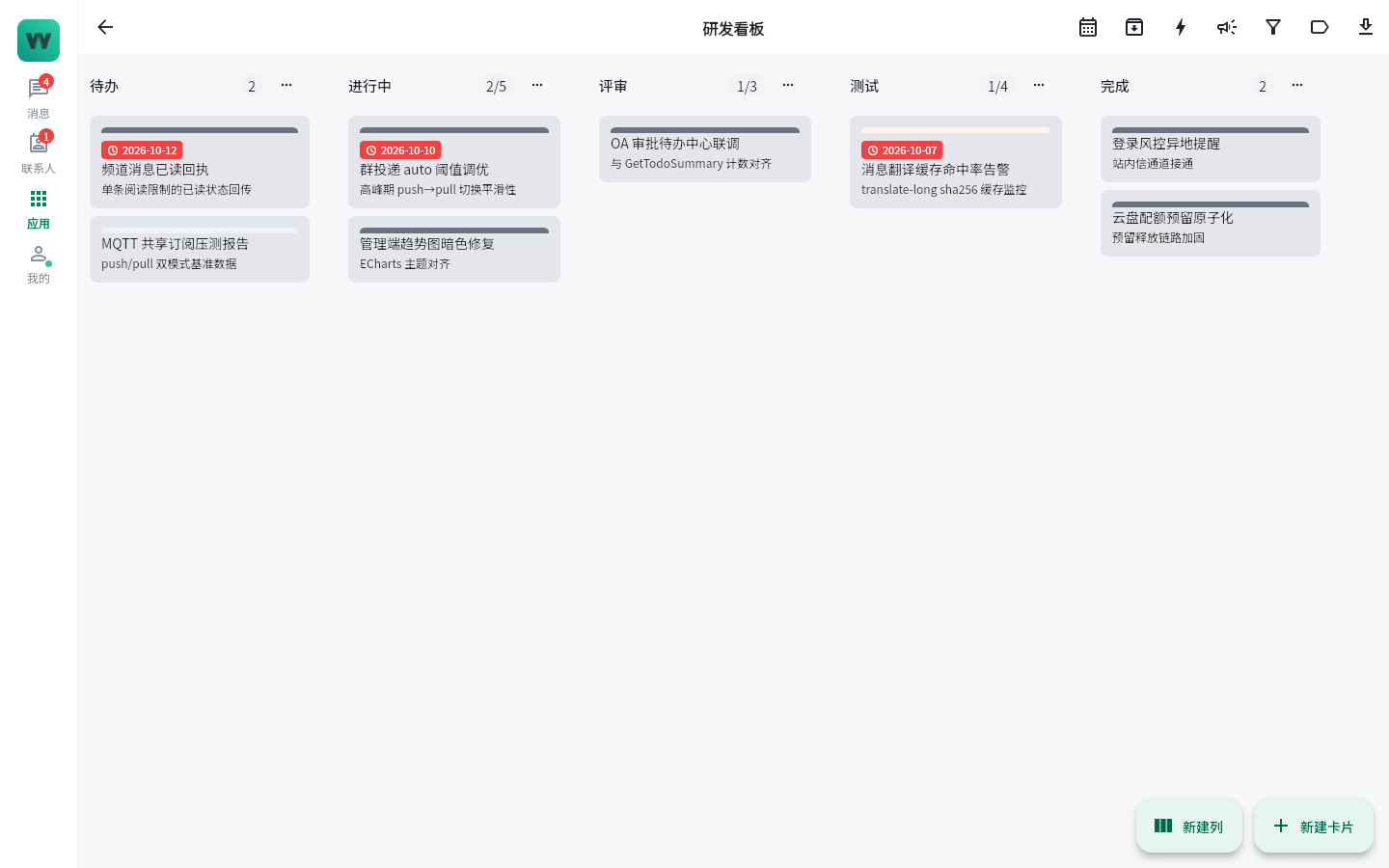
- Kanban swimlanes: task boards organized by swimlane, with progress status clear at a glance;
- Automation rules: repetitive operations such as status transitions and assignment reminders can be configured as automation rules;
- Burndown charts: iteration progress visualized in real time;
- Trello import: existing Trello boards can be migrated with one click;
- Gamified contribution leaderboard: member contribution rankings motivate the team to participate.
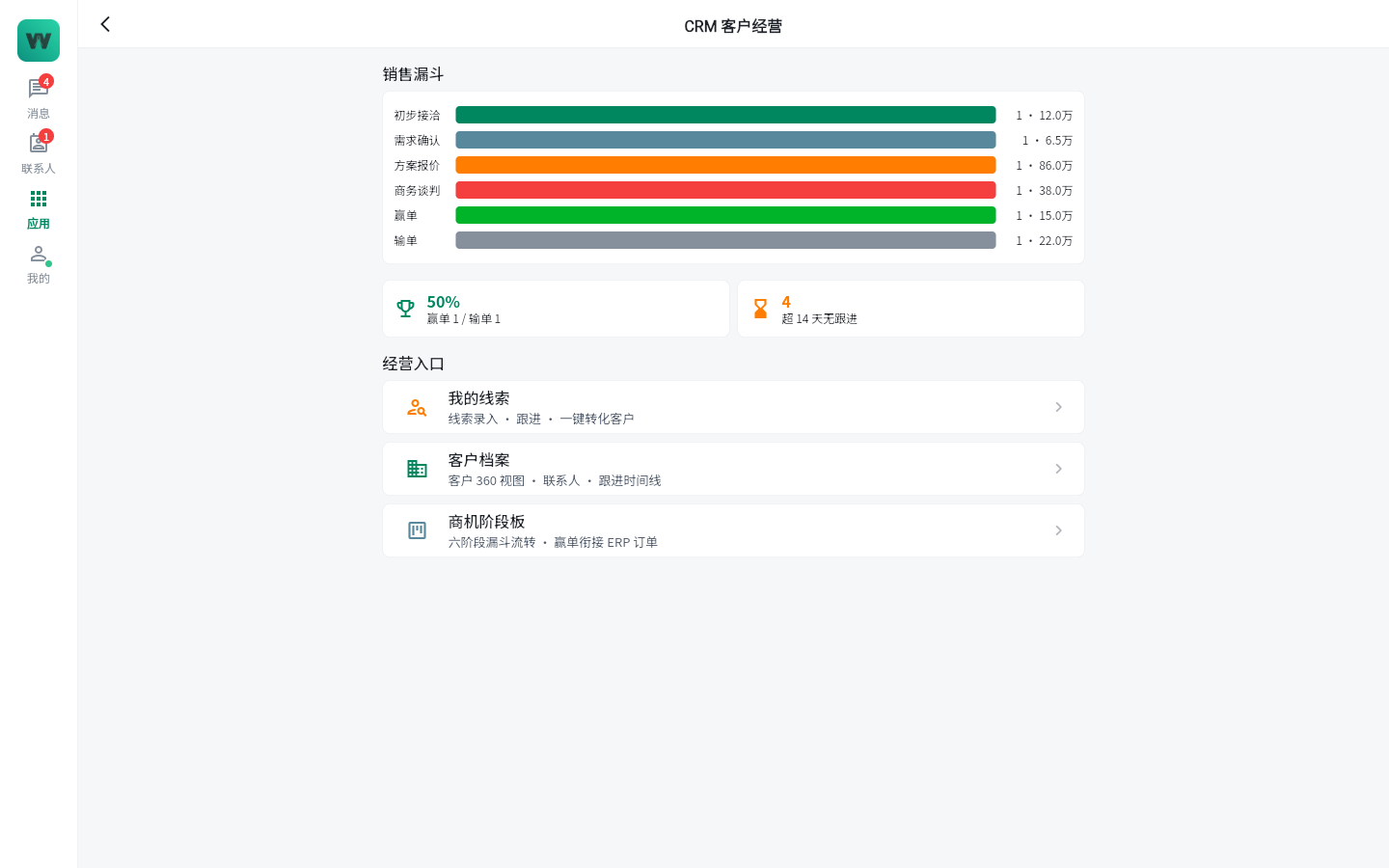
- CRM customer relationship management: a six-stage opportunity funnel advances deals step by step, and the "Customer 360" view aggregates communication records, follow-ups, and orders;
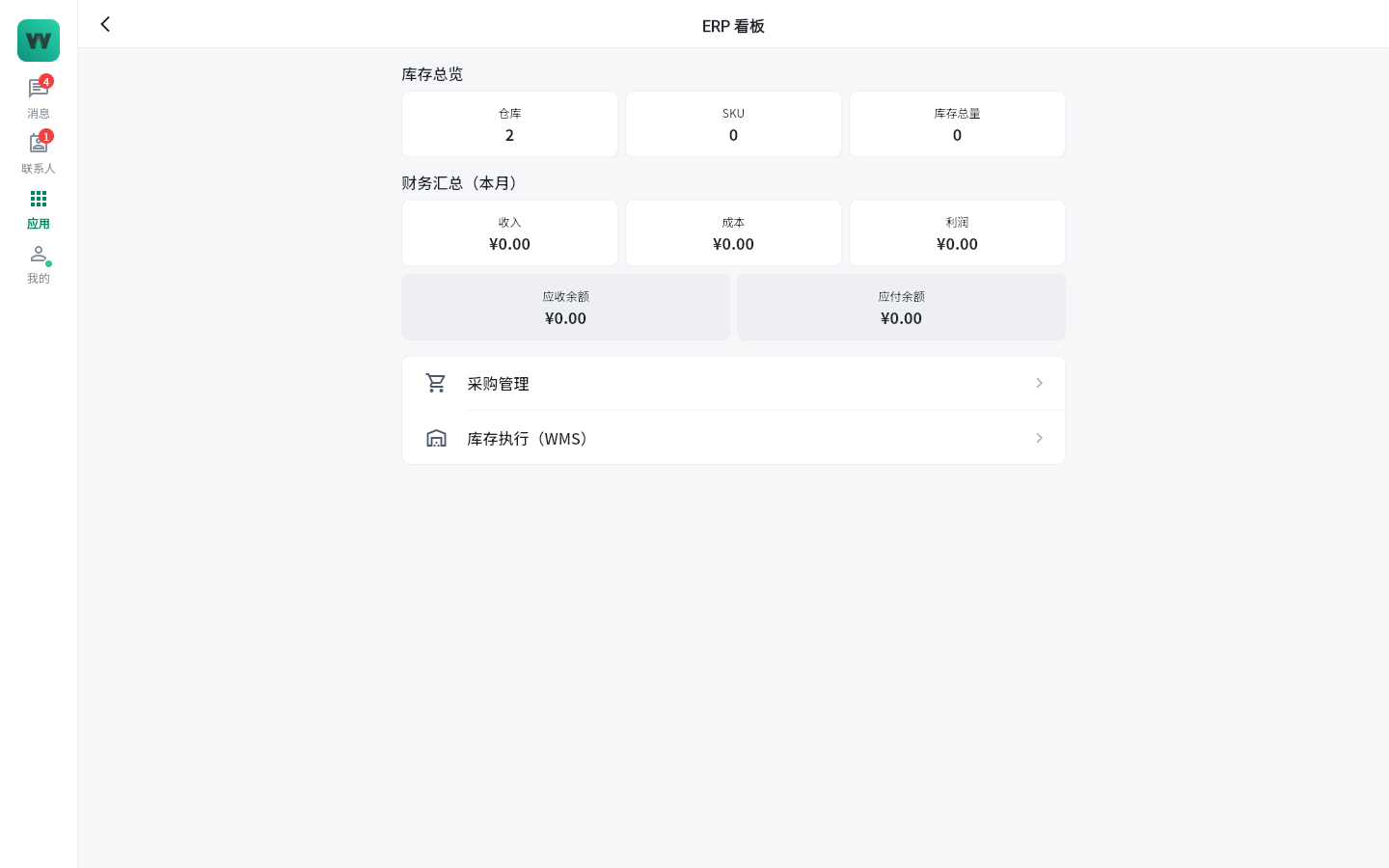
- ERP enterprise resource planning: covers purchasing, inventory, finance, and sales, with business data flowing on the same platform as communication.
- Code review: integrates with GitLab / Gitea / GitHub / SVN repositories, and review updates go straight to group chat;
- CI/CD build cards: pipeline build statuses are pushed to group chat as cards, keeping release progress visible to everyone;
- On-call duty: duty schedules and alert response in a closed loop;
- DORA reports: reports on key engineering-performance metrics, providing evidence for continuous improvement.
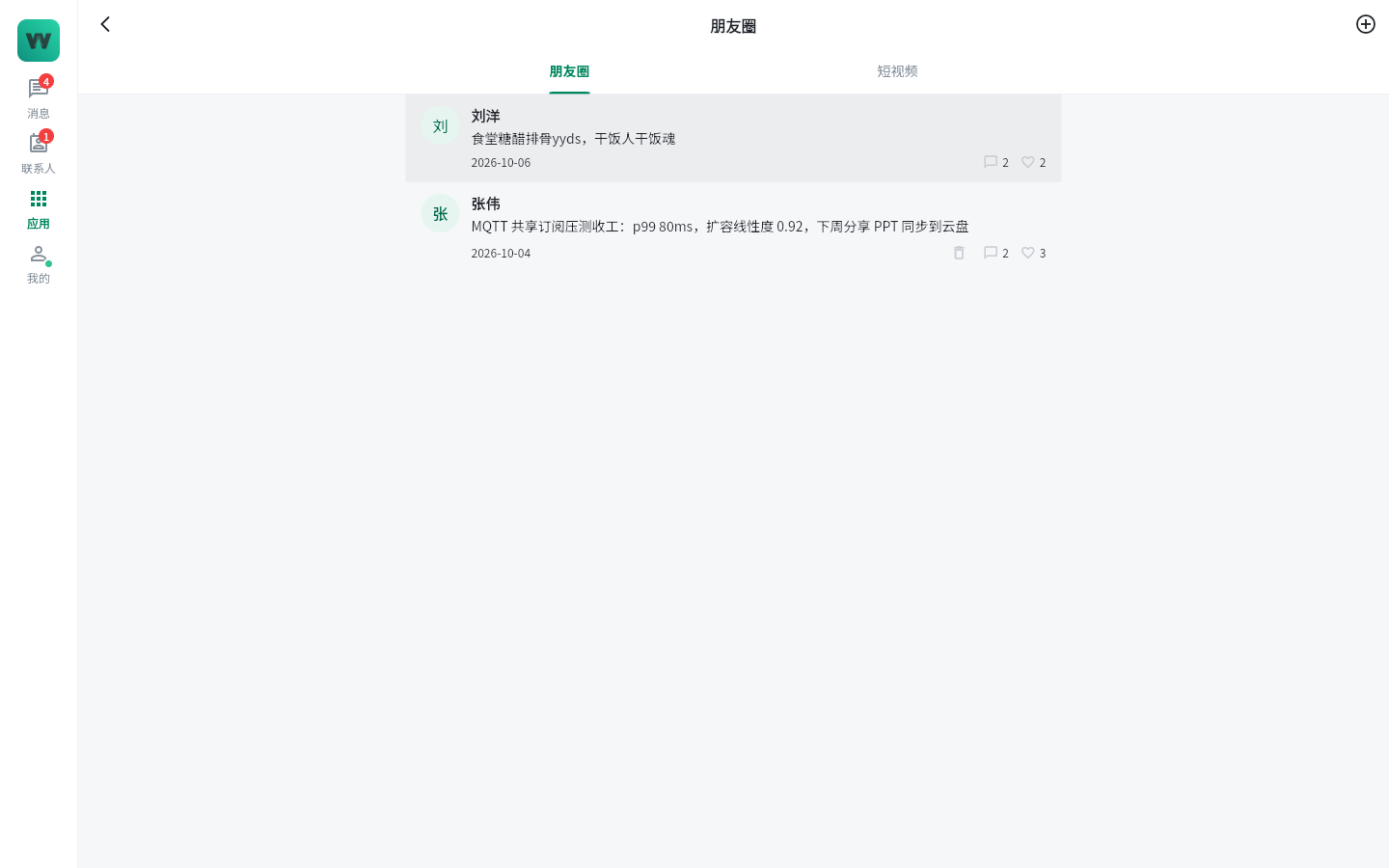
- Moments: internal company updates, sharing, and interaction;
- Short videos: a vertically scrolling short-video feed for immersive browsing of training and marketing content;
- Group live streaming: live streaming for training, town halls, cultural events, and more.
- Web visitor sessions: external visitors chat with company agents through the web, with no app installation required;
- Tickets converted to CRM: visitor inquiries become tickets and can be moved into CRM and followed up as opportunities.
- Conversation watermarks: watermarks overlaid in the client make leaked screenshots traceable;
- Login risk control: real-time alerts for logins from unusual locations;
- Device management: centrally manage logged-in devices, with remote sign-out support;
- Sensitive-word filtering: detection and blocking of sensitive words in message content;
- Audit logs: full traceability of sensitive operations;
- Chat record retention, archiving, and export: meets industry retention compliance requirements, with archiving and export support.
- Built-in BI reports: common business and collaboration metrics work out of the box;
- Custom dashboards: build data dashboards freely from departmental and business perspectives.
| Form | Description |
|---|
| Flutter all-platform app | One experience across seven platforms — Android, iOS, Windows, macOS, Linux, Web, and HarmonyOS — with multi-device message roaming |
| Web admin console | For administrators: centralized management of organization structure, accounts and permissions, audit compliance, AI usage, and more |
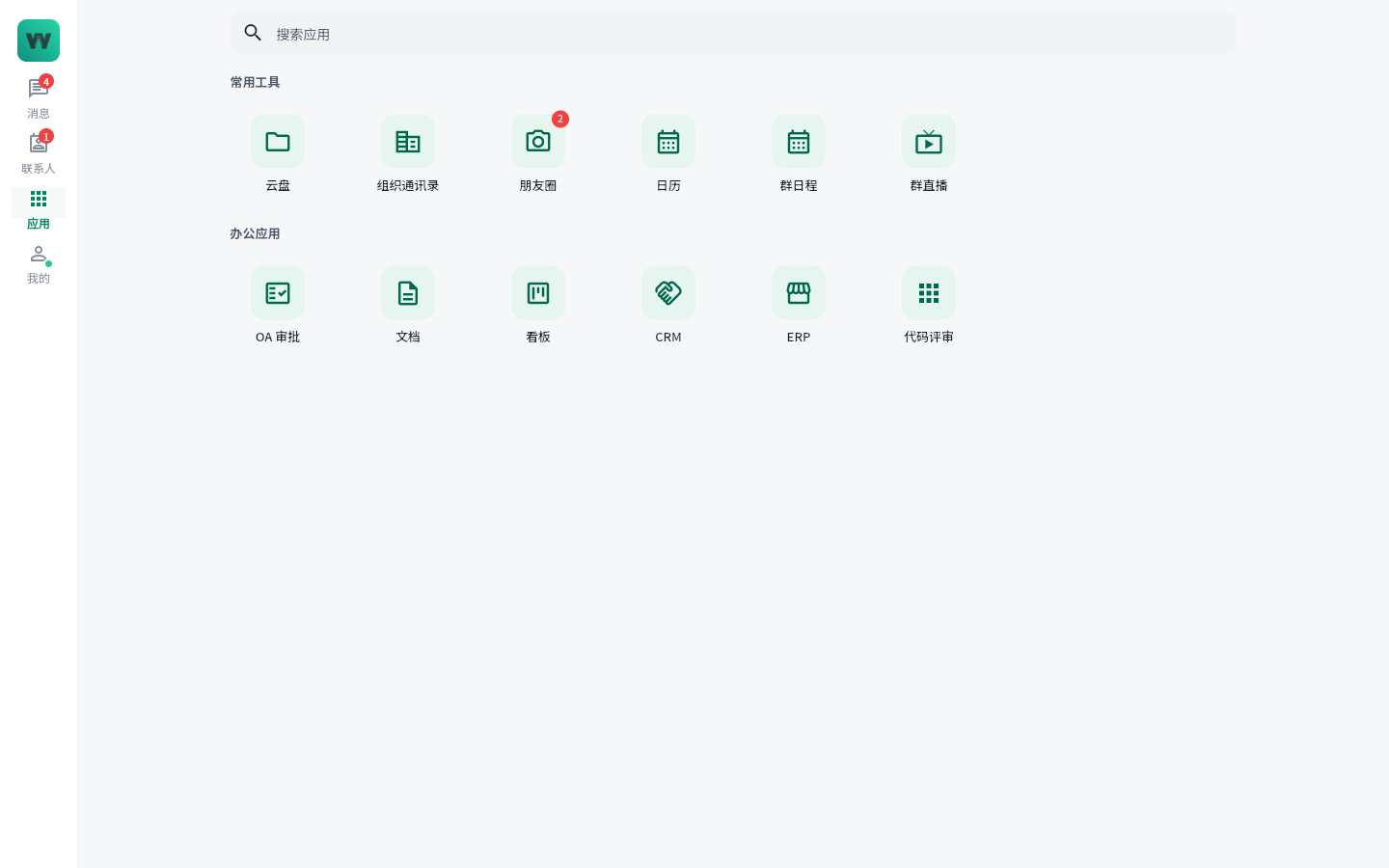
| App Center (mini-program framework) | A unified entry point for in-company apps; lightweight apps run without installation |
| Download portal | A unified download entry for clients on all platforms |
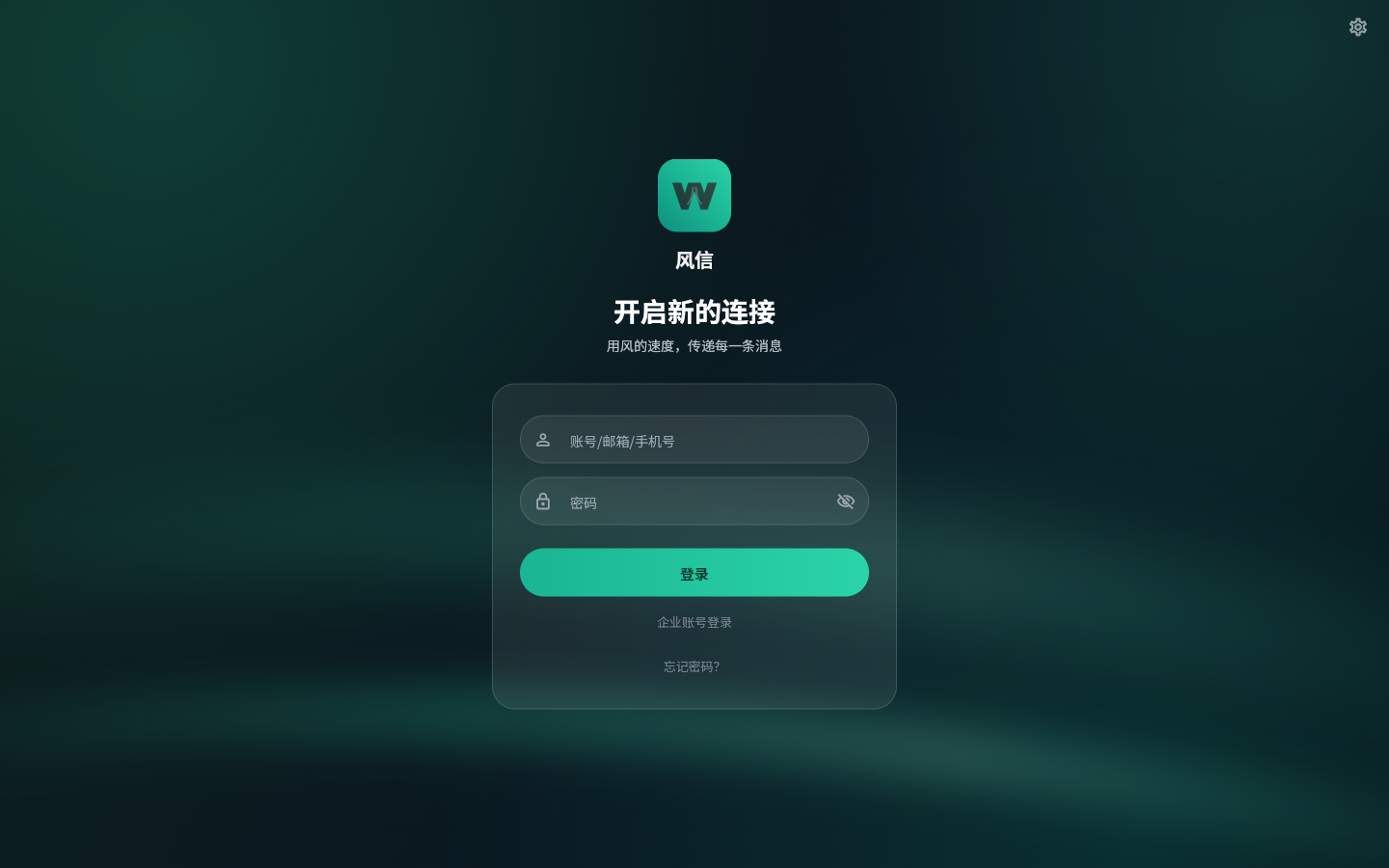 | 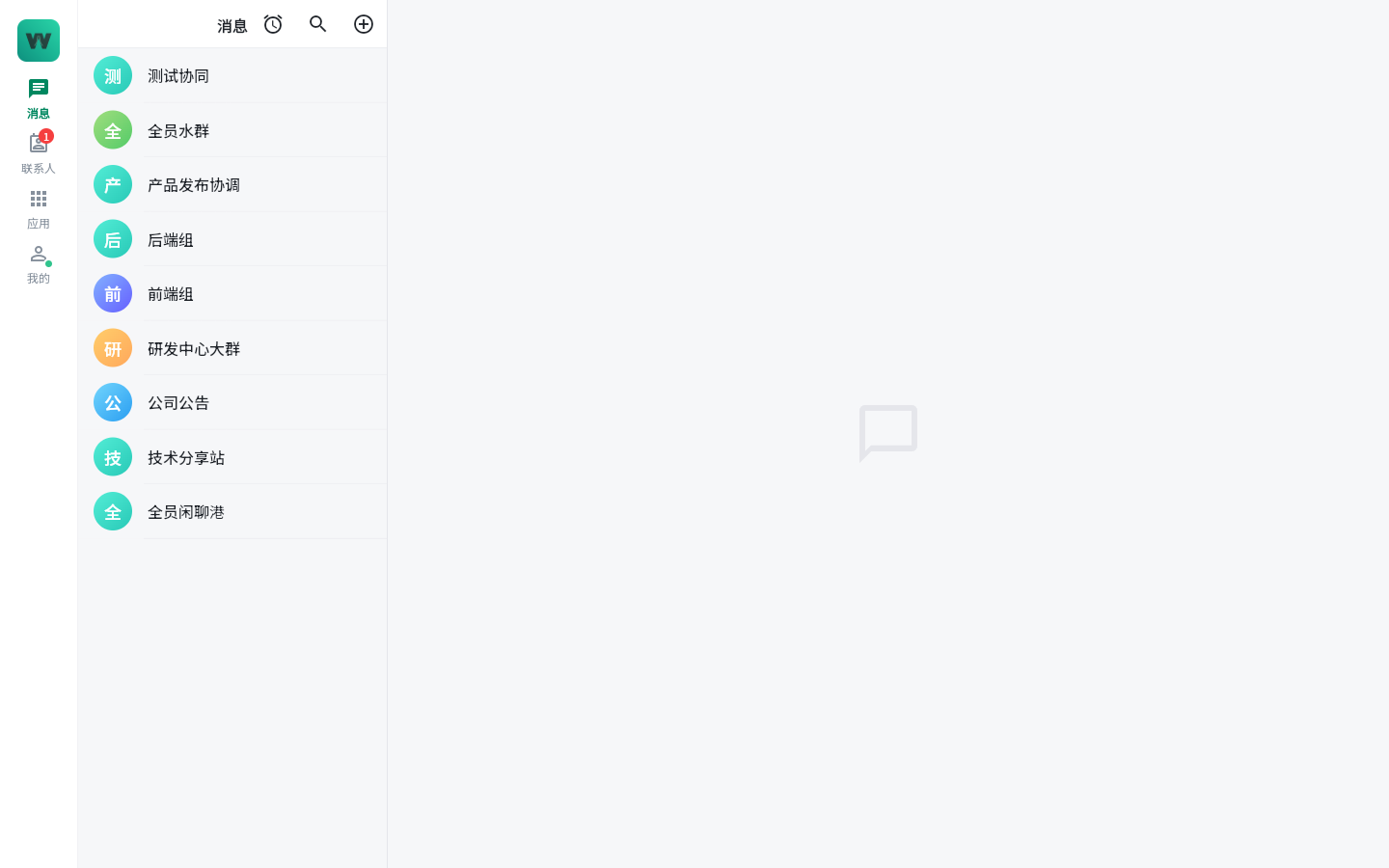 |
|---|
| Login page | Message list |
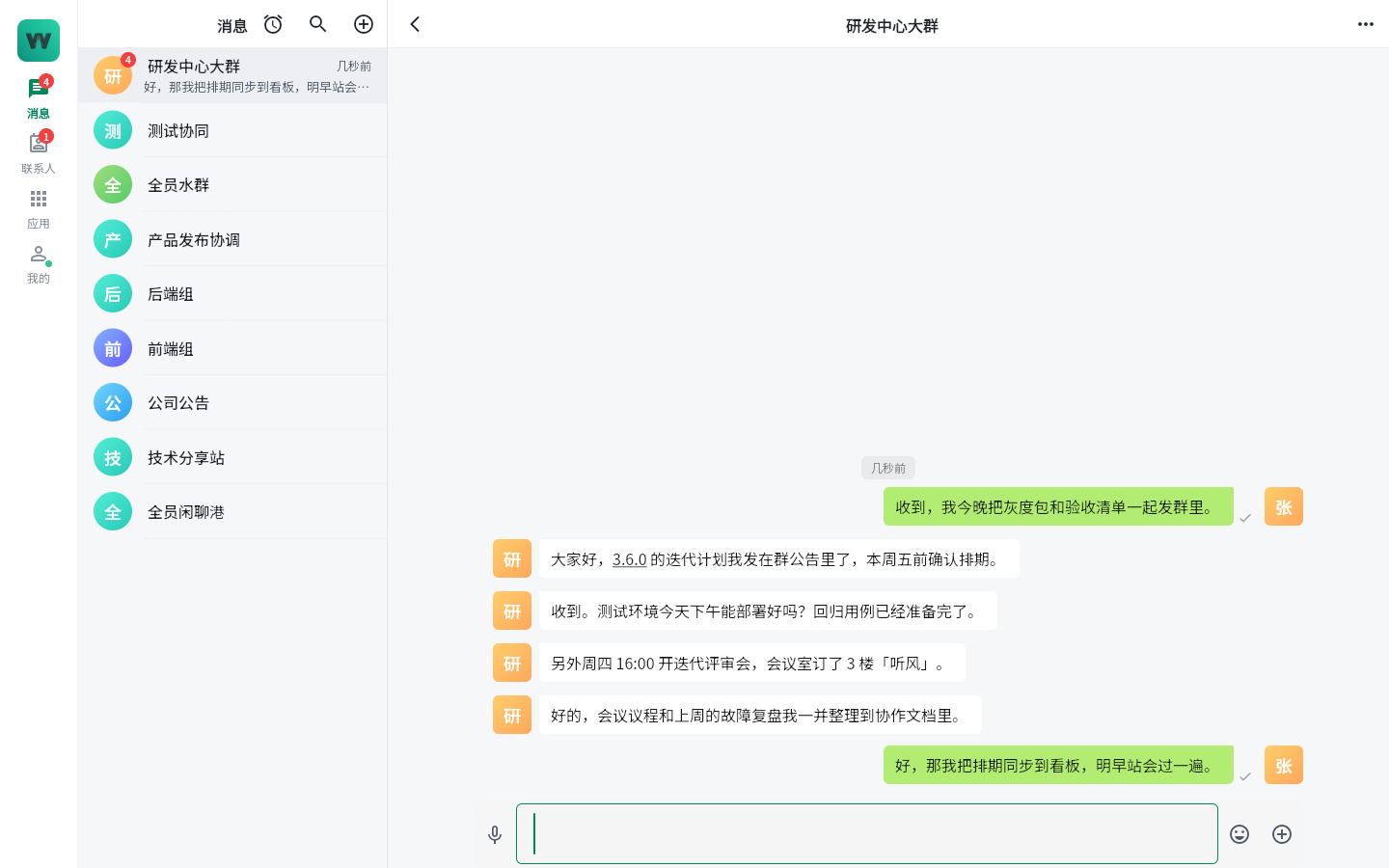 | |
|---|
| Conversation window | |
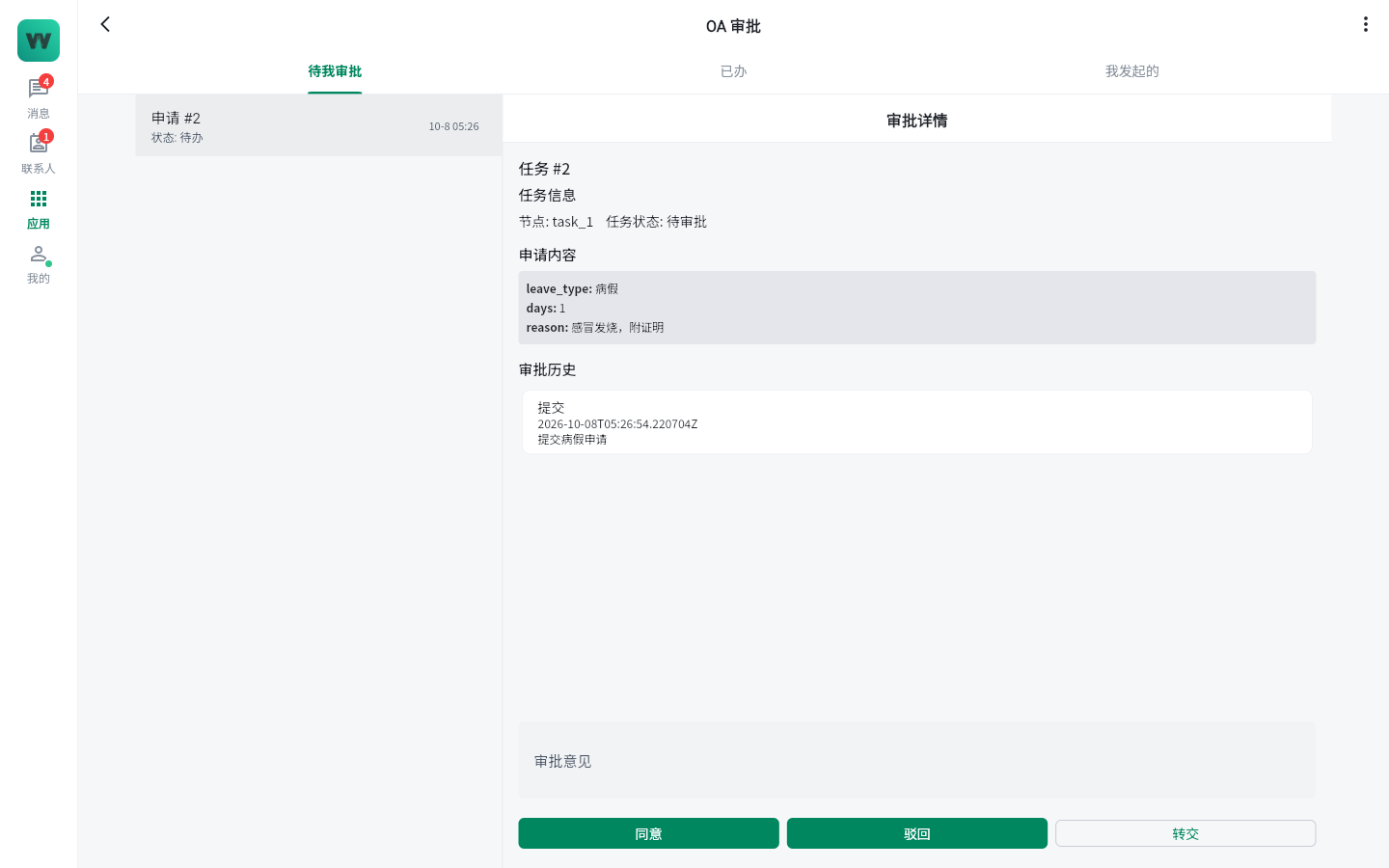 |  |
|---|
| OA approvals | Project kanban |
 |  |
|---|
| Collaborative documents | Calendar |
 |  |
|---|
| CRM customer relationship management | ERP enterprise resource planning |
 | |
|---|
| Moments | |
 | |
|---|
| App Center | |
GoWind IM is licensed by account count. The license uses Ed25519 offline signatures, is bound to the machine fingerprint of the deployment host, and gates capacity by account count — license verification completes without any network connection.
| Edition | What's included | Best for |
|---|
| Community Edition | 18 core services: IM communication, audio/video, office collaboration, security controls, and other foundational capabilities | Small teams getting started and internal trials |
| Professional Edition | Everything in Community + 11 more items: R&D collaboration, group bots, visitor customer service, and more | Teams that need R&D collaboration and external customer service |
| Enterprise Edition | Everything in Professional + 8 more items: CRM, ERP, and other business-operation capabilities | Large organizations that need communication and business in one platform |
Seamless license renewal
After a license expires, a 7-day grace period keeps the business running; renewal only requires replacing the license file — no service restart needed.
- One-step on-premise delivery: available as Docker Compose or binary distributions, with installation scripts, upgrade manuals, and SHA256 integrity checks — ready to run out of the box;
- Xinchuang compatibility: supports arm64 and is compatible with Xinchuang environments such as Kunpeng and Kylin;
- Data locality: all data is stored on the company's own servers, with no dependency on external cloud services.
For more deployment details, see the IM Installation Guide.
