
GoWind Admin Product Introduction
GoWind Admin is an out-of-the-box, enterprise-grade full-stack admin scaffold: a Go backend plus a choice of three frontends, open-sourced under the MIT license. High-frequency enterprise capabilities such as organization & permissions, notifications, logs, AI, BI dashboards, and print templates are all built in as ready-to-enable modules, helping teams skip the long process of building an admin console from scratch and focus on real business development.
1. Three Frontend Stacks to Choose From, Not a Three-in-One
There is one key takeaway for understanding GoWind Admin: three frontend stacks to choose from, not a three-in-one.
Vue3 Vben (Ant Design Vue), Vue3 Element Plus, and React19 Antd are three parallel implementations of the same backend, rather than "one codebase compatible with three frameworks at once". All three frontends connect to the same backend service, with fully identical API protocols, permission models, and menu data:
| Implementation | Tech Stack | Best For |
|---|---|---|
| React Edition | React 19 + Ant Design V6 + ProComponents | Teams on the React stack |
| Vue Element Edition | Vue3 + Element Plus + vxe-table | Teams in the Element Plus ecosystem |
| Vue Vben Edition | Vue3 + Vben Admin 5.x (Ant Design Vue) | Teams in the Vben ecosystem |
- Each team / project only needs to adopt one of them for integration — there is no need to maintain all three
- The repository includes a trimming guide,
docs/adopt-one-frontend.md, explaining how to safely remove the other two frontends and their dependencies
Tips
Not sure which one to pick? All three implementations can be tried online on the official demo sites (see "Quick Trial" below). Their layouts and features are aligned — just choose based on your team's preferred tech stack.
2. Feature Panorama
The built-in modules of GoWind Admin are grouped by domain as follows:
| Group | Feature Modules |
|---|---|
| Organization & Permissions | User management, tenant management, plan quotas, role permissions (five data scope levels + field-level permissions), permission groups, org structure, position management (Excel import), menu management (synced across the three frontend stacks) |
| System Features | API sync, dictionary management, task scheduling, file OSS, login policy, MFA TOTP, notification channels (39 extended channels + SMS), notification rules, delivery ledger, service monitoring, online users, script system (Lua + JS), parameter configuration, machine credentials AK/SK, language management, print templates (document designer + server-side PDF), BI dashboards (designer + large-screen views) |
| Messaging & Logs | Message categories, internal messages, six log types, Redis cache monitoring |
| Personal Center | Basic personal entry points available after login |
List Export
All list pages uniformly support aggregated CSV / XLSX export with a default limit of 10,000 rows; audit logs use server-side streaming export, which can exceed this limit.
3. UI Preview
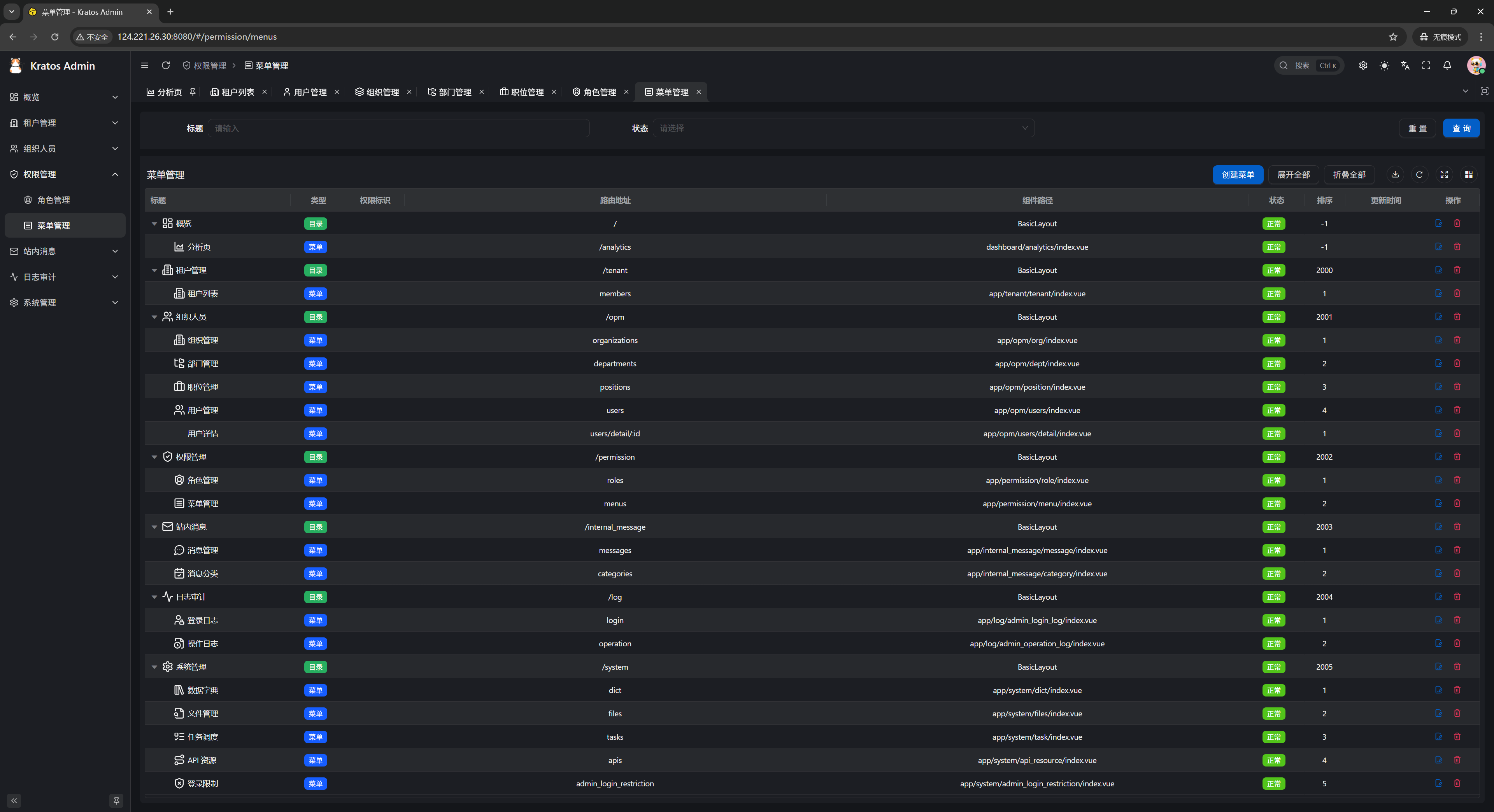
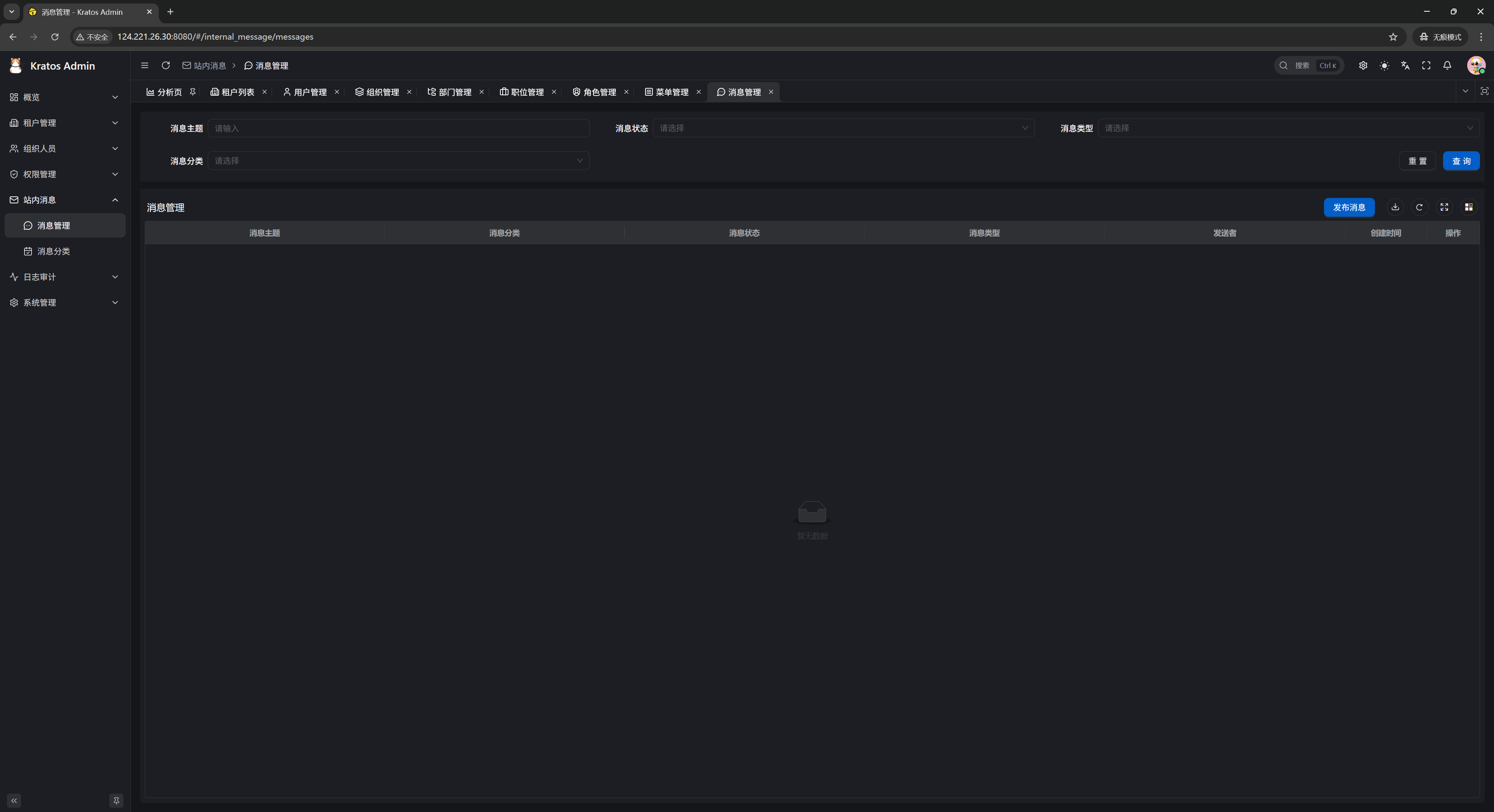
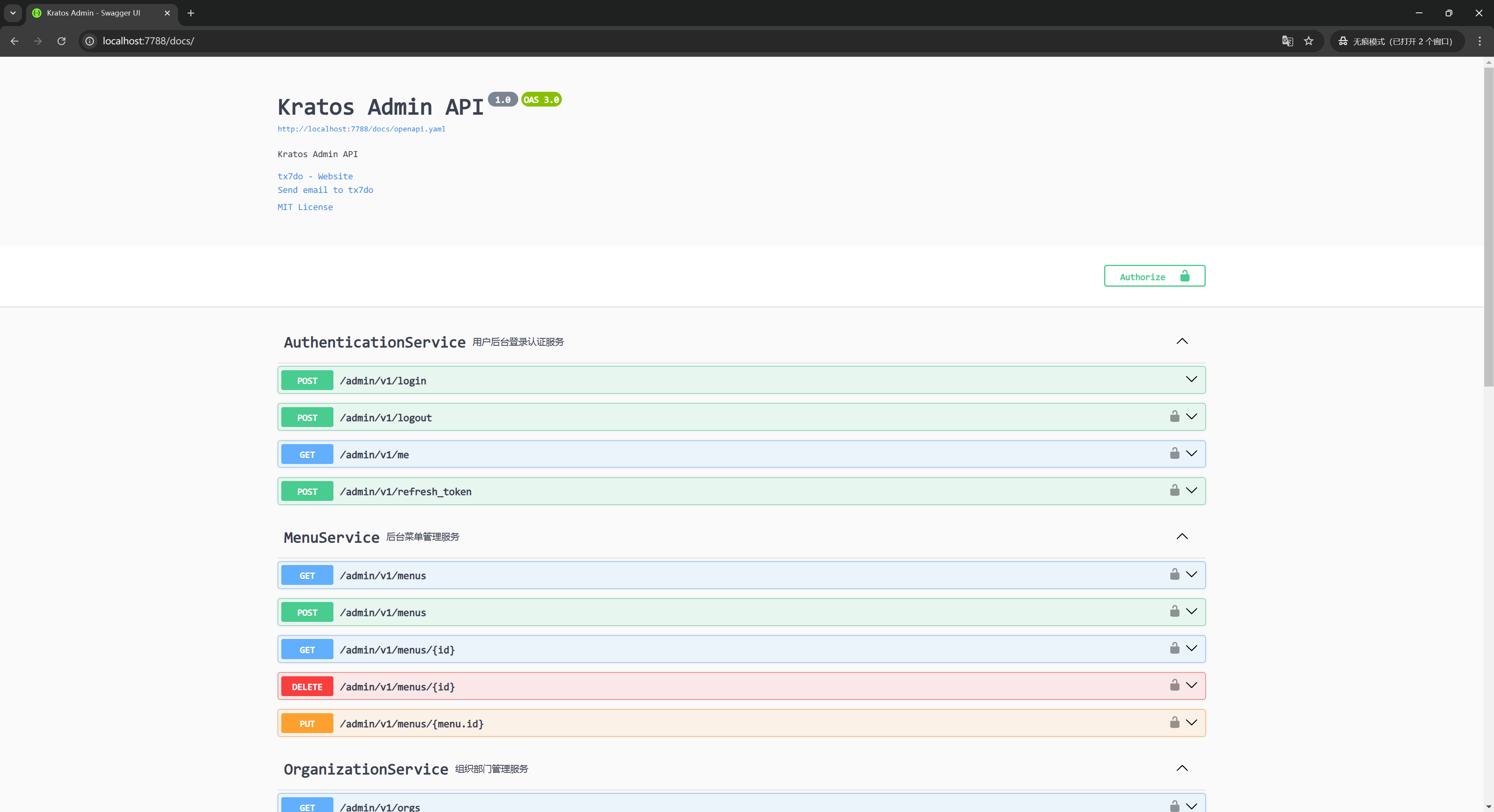
The following screenshots come from the official demo environment and give a direct feel for the overall UI style.
Login Page / Console Workbench
| Login Page | Console Workbench |
|---|---|
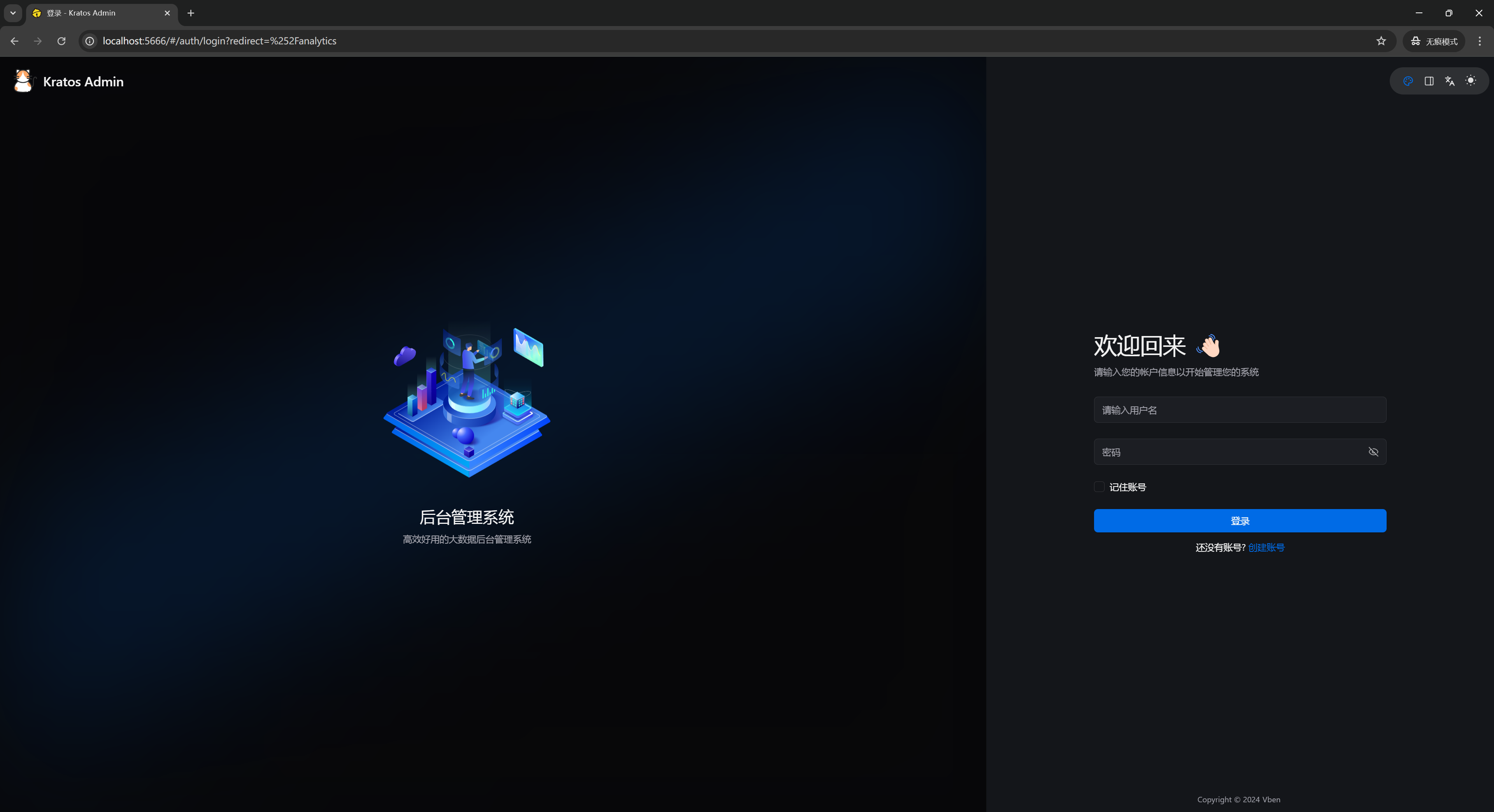 | 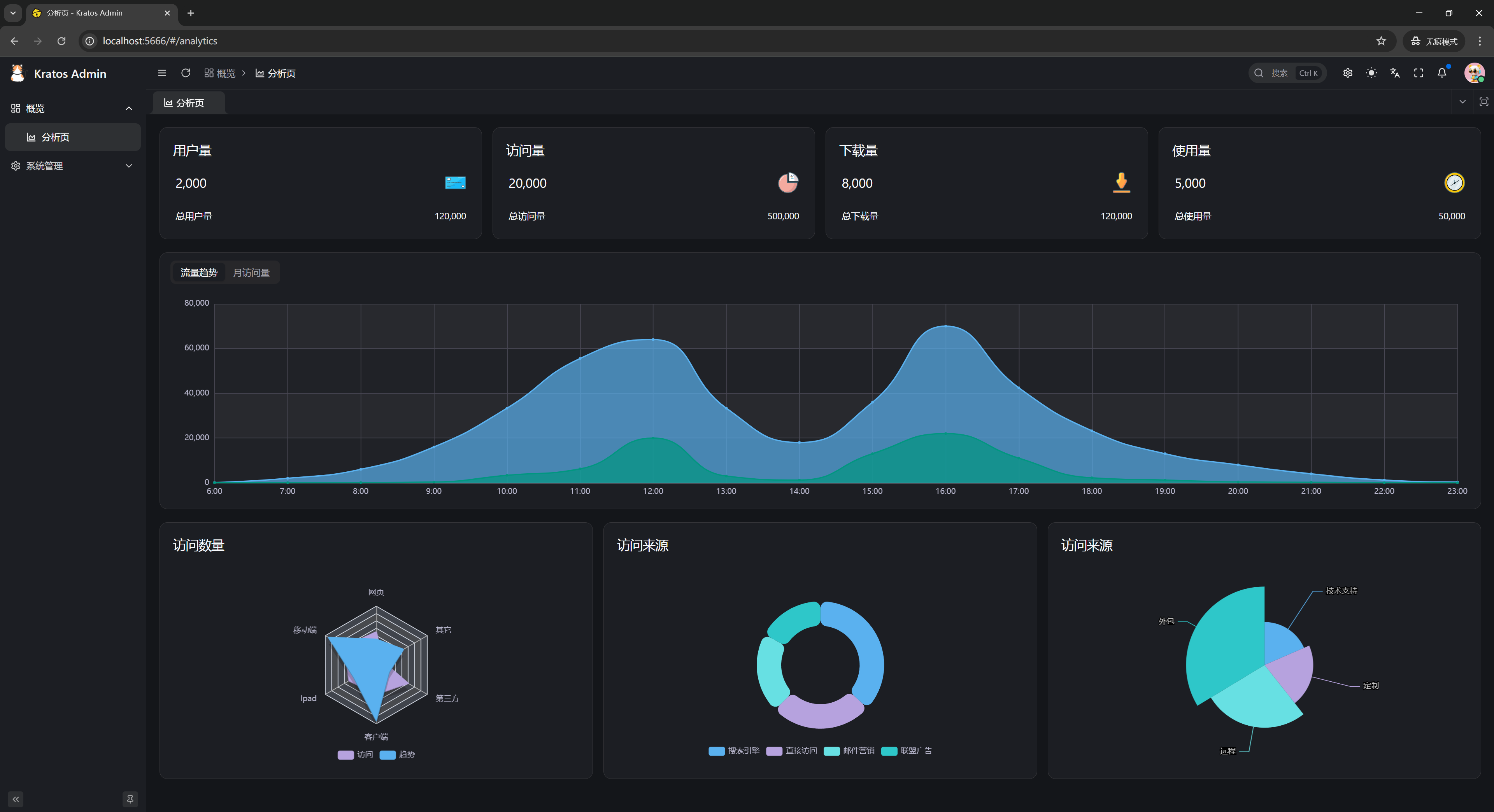 |
Organization & Permissions
| User Management | Role Management |
|---|---|
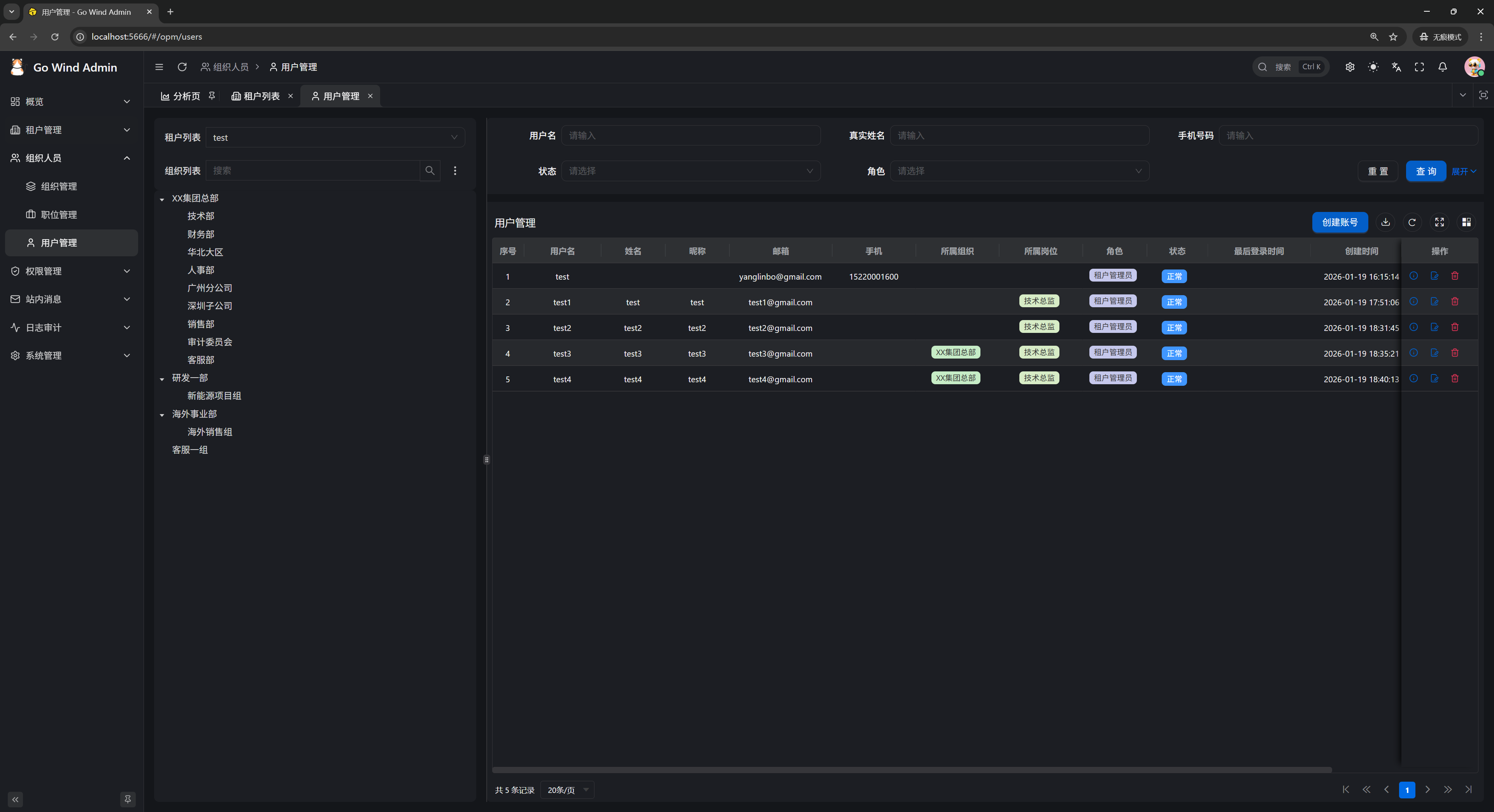 | 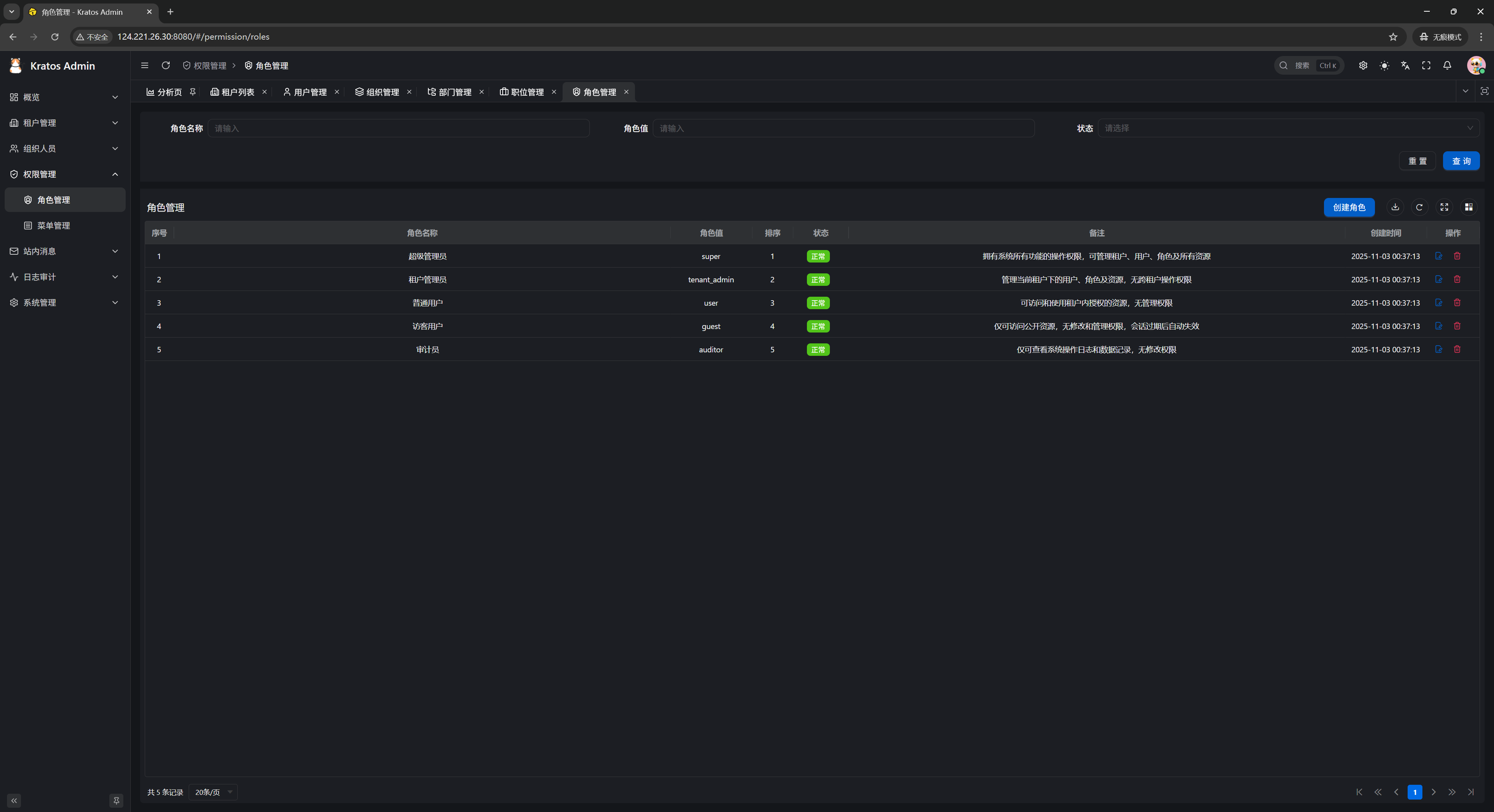 |
System Features / API Docs
| Menu Management | Internal Messages |
|---|---|
 |  |
| Swagger API Docs |
|---|
 |
4. Version Highlights
The project iterates at a pace of roughly one release per week, evolving rapidly from v1.0.0 (09-24) to v1.5.0 (10-29). See Release Notes for the full list.
- v1.0.0: script system (Lua + JS), design language specification, online user session management
- v1.1.0: full-stack AI module (SSE chat + quotas), knowledge base RAG (pgvector), intelligent data Q&A, AI content generation, global semantic search
- v1.2.0: enterprise OIDC SSO (verified with Keycloak), notification domain Phase 3 wrap-up, audit log streaming export, hard enforcement of plan quotas, tenant white-labeling, AI Function Call
- v1.3.0: workbench aggregation page isomorphic across the three frontend stacks
- v1.4.0: full-stack AI Agent orchestration (graph DSL with five node types + visual canvas + SSE trial runs), notification channels expanded to 39, Alibaba Cloud / Tencent Cloud SMS, password recovery via phone number
- v1.5.0: full-stack BI dashboards (drag-and-drop canvas / cross-chart linking / drill-down / 9 themes), print template module (visual drag-and-drop design / line printing + batch printing / server-side PDF via chromedp / built-in A4, A5 and employee badge seed templates)
- Unreleased: object storage MinIO → SeaweedFS (community edition maintenance discontinued, migration with zero code changes), second major round of backend unit tests (~200 tests + 8 production defects fixed)
5. Tech Stack
1. Backend
| Dimension | Core Technologies |
|---|---|
| Language & Framework | Go 1.26+ · go-kratos v2 |
| ORM | Ent (default) or GORM |
| Database | MySQL / PostgreSQL |
| Cache | Redis |
| Object Storage | SeaweedFS |
| Authentication & Authorization | JWT RS256 + Casbin / OPA |
| Push & Async | SSE + Asynq |
| Script Engine | go-scripts (Lua + JavaScript) |
2. Frontend (Choose One of Three)
| Implementation | Core Technologies |
|---|---|
| React Edition | React 19 · Ant Design V6 · ProComponents |
| Vue Element Edition | Vue3 · Element Plus · vxe-table |
| Vue Vben Edition | Vue3 · Vben Admin 5.x (Ant Design Vue) |
All three frontends are built on Vite + TypeScript + Tailwind with consistent engineering standards.
3. Deployment
- Two Docker modes:
full_deployfor one-click full deployment (application + middleware fully containerized);libs_onlystarts the middleware only, ideal for local development and debugging - PM2: process-managed deployment on the host machine
- Swagger UI: online API documentation
- Service ports: backend HTTP
:7788, SSE:7789
6. Quick Trial
No local deployment needed — visit the demo sites for the three frontend stacks to experience the full feature set:
| Demo | URL |
|---|---|
| React Edition | https://react.admin.gowind.cloud |
| Vue Element Edition | https://ele.admin.gowind.cloud |
| Vue Vben Edition | https://vben.admin.gowind.cloud |
| Swagger API Docs | https://api.demo.admin.gowind.cloud/docs/ |
Demo Account
Username admin / Password Abcd@1234
7. Open Source & Contact
GoWind Admin is open-sourced under the MIT license and free to use in commercial projects. The source repository is mirrored on three platforms (tx7do/go-wind-admin):
- GitHub: https://github.com/tx7do/go-wind-admin
- Gitee: https://gitee.com/tx7do/go-wind-admin
- AtomGit: https://atomgit.com/tx7do/go-wind-admin
Community & support: WeChat yang_lin_bo | Email yanglinbo@gmail.com.